
Install RechSign on Samsung Tizen
For Samsung commercial displays with URL Launcher. Have your remote handy and connect the display to the internet.
Go to the stepsDisplay installation URL
https://rechsign.com/TzInstallation and pairing
The menus shown in the images may differ on your display.
- 1
Check the display model
Check the model, Tizen version and firmware in Device Information. Make sure the display is online.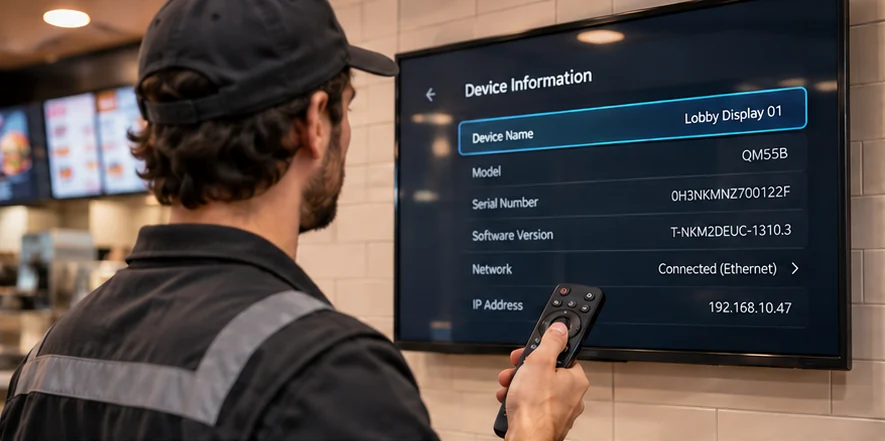
- 2
Open URL Launcher Settings
From Home or Player, open URL Launcher Settings and select Install Web App if available.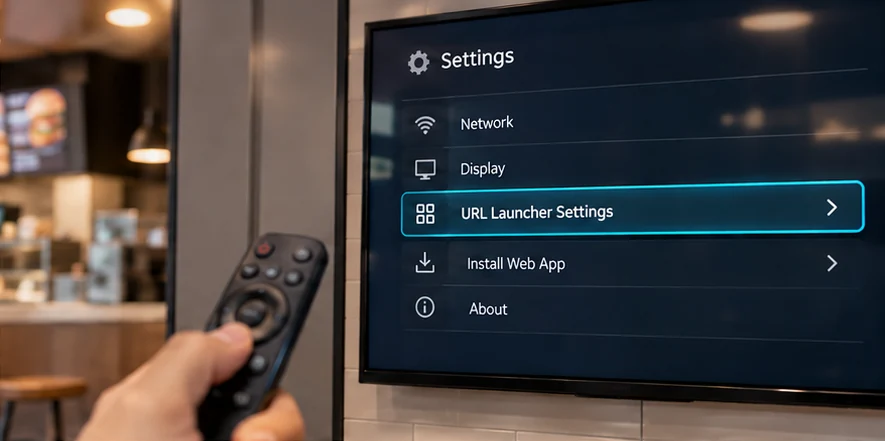
- 3
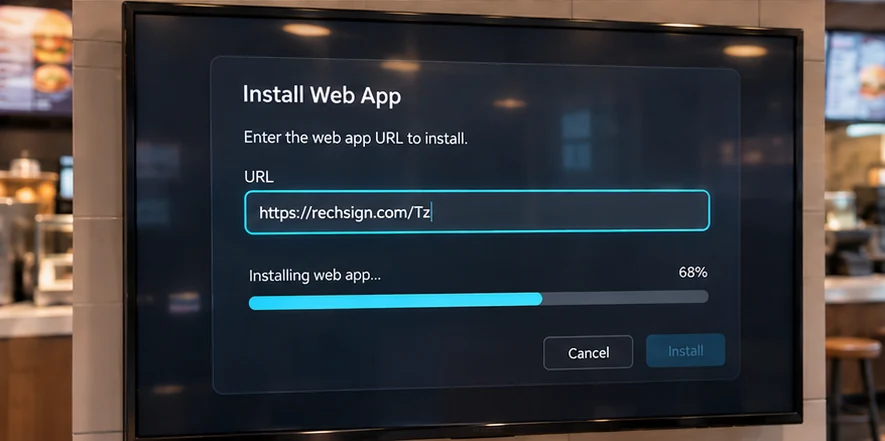
Enter the URL and install
Enter the address exactly as shown, confirm and wait for installation.https://rechsign.com/Tz
- 4
Open RechSign and pair the display
When installation finishes, open RechSign on the display. In the dashboard, go to Screens → Pair screens and enter the code shown.Open the dashboard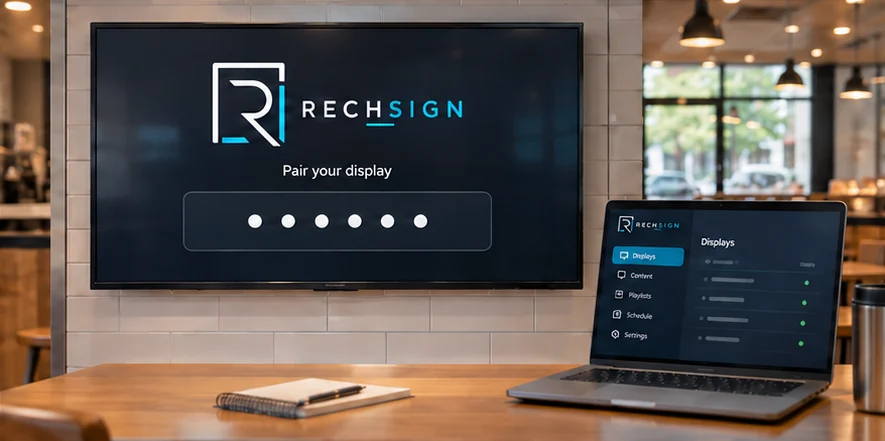
Example only. Use the code shown on your screen.
Troubleshooting
Unable to install or start
Check connectivity, device date/time and the exact /Tz URL. Record the model, firmware and error. A customer firmware update by USB is not a default prerequisite.
The previous version remains
URL Launcher may retain the installed package. Follow its supported update or reinstall flow while preserving pairing, then verify the version shown on screen.
No pairing code appears
Confirm that the local app boots and the display has network access, then share a screen photo, model and firmware with support.
Frequently asked questions
Is /Tz a regular web page?
No. It is the approved URL Launcher installation endpoint for a signed Samsung web-app package. Keep the exact capitalization.
Are all Samsung displays supported?
No. Compatibility must be checked by model, Tizen version and firmware. A successful pilot on one model does not certify another.
Will installing once silently update every screen?
Not yet. Publishing a package to /Tz does not prove unattended installation. Use the supported update procedure for your model until it is verified.
Does the screen work without internet?
Offline playback depends on the installed player version and a complete local cache. It must be validated on the target device.
Need help with setup?
Send us your display model, software version, and the step where you got stuck.
Contact our team