
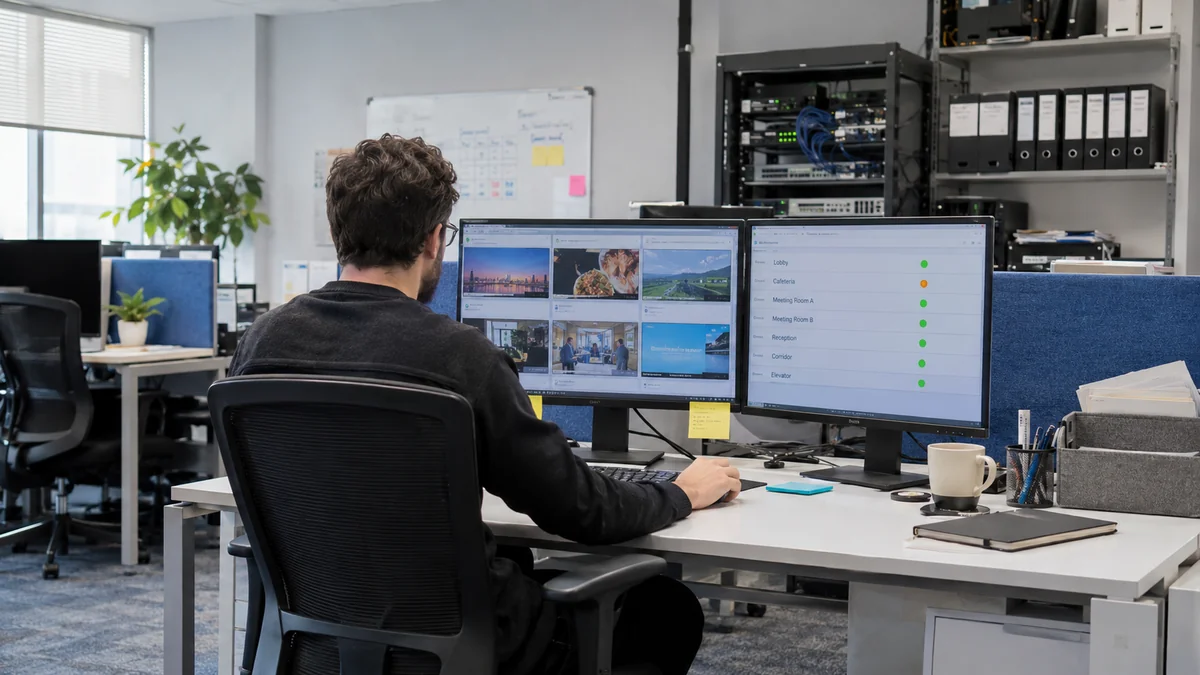
Managing multiple locations
How to manage screens across multiple locations from one dashboard
Organize branch displays, separate shared campaigns from local offers, and decide who reviews and publishes each update without visiting every screen.
Practical ideas to help you get more from your screens.
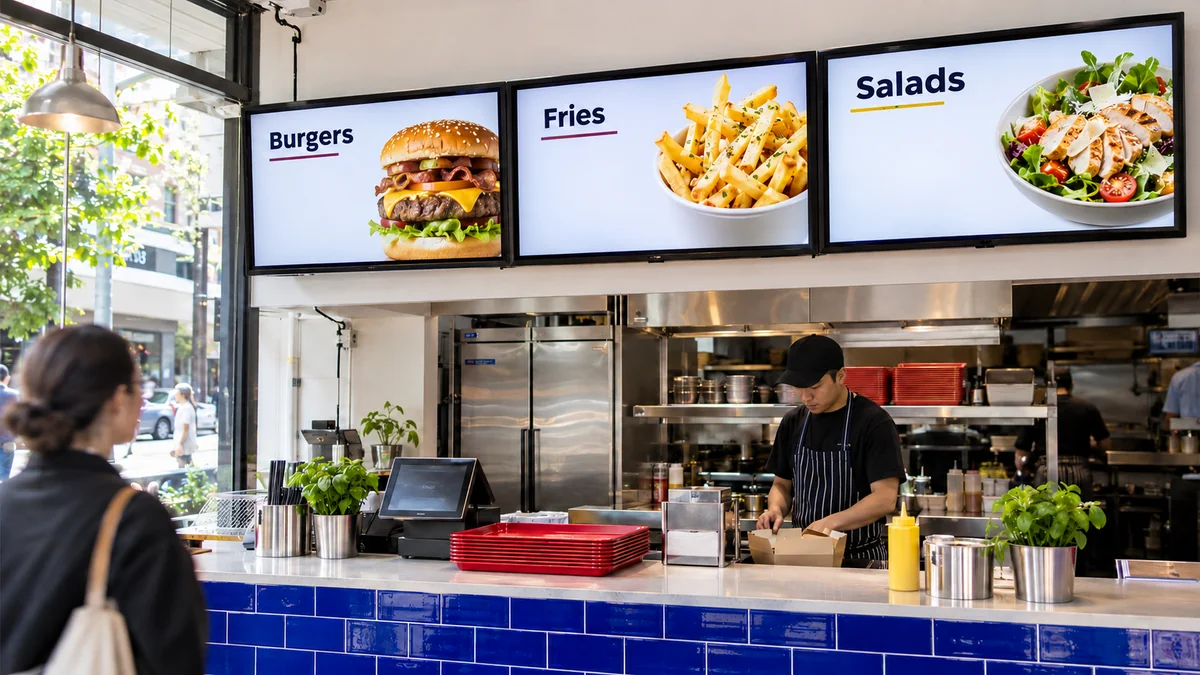
Featured guide
From organizing your menu to checking the display during a busy service: practical steps for clear menus you can update from one place.
Read articleManaging multiple locations
Organize branch displays, separate shared campaigns from local offers, and decide who reviews and publishes each update without visiting every screen.

Choosing displays
Screen size is only part of the decision. Start with where customers will see the display and what they need to read, then compare devices against that brief.
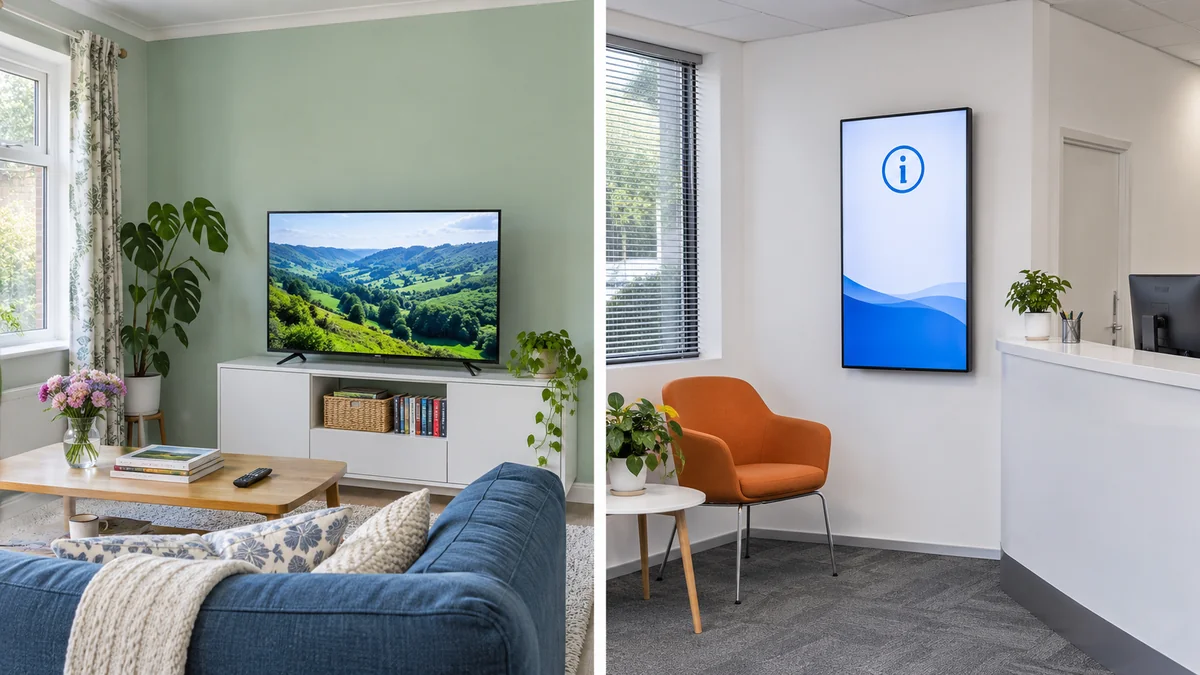
Choosing displays
Look beyond the category and purchase price. Compare permitted use, playback compatibility and what it takes to get the screen working again if something fails.

Content design
Rearrange the message, image and price for each orientation instead of stretching the artwork. Then check readability from the customer’s position.
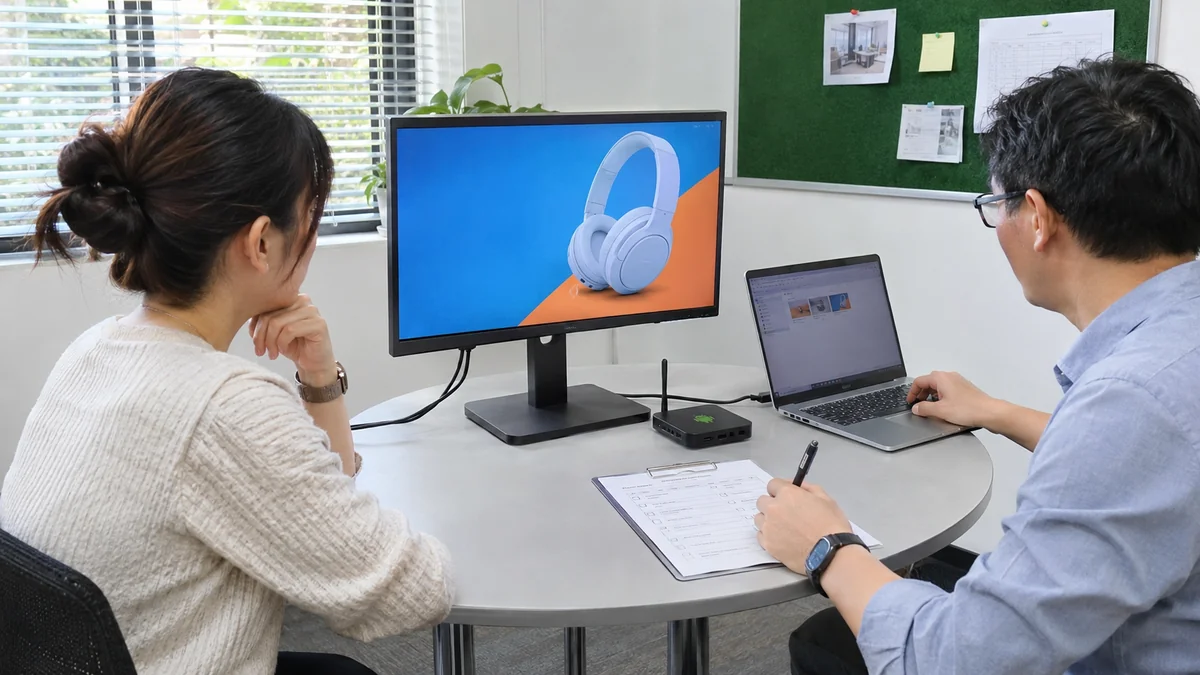
Project planning
Make the demo resemble a real working day. Record what you tested and which questions still need answers before choosing a system.
Find the setup guide for your display and a plan for your screen count.